For the moments you keep.

Less clutter.
More room for life.

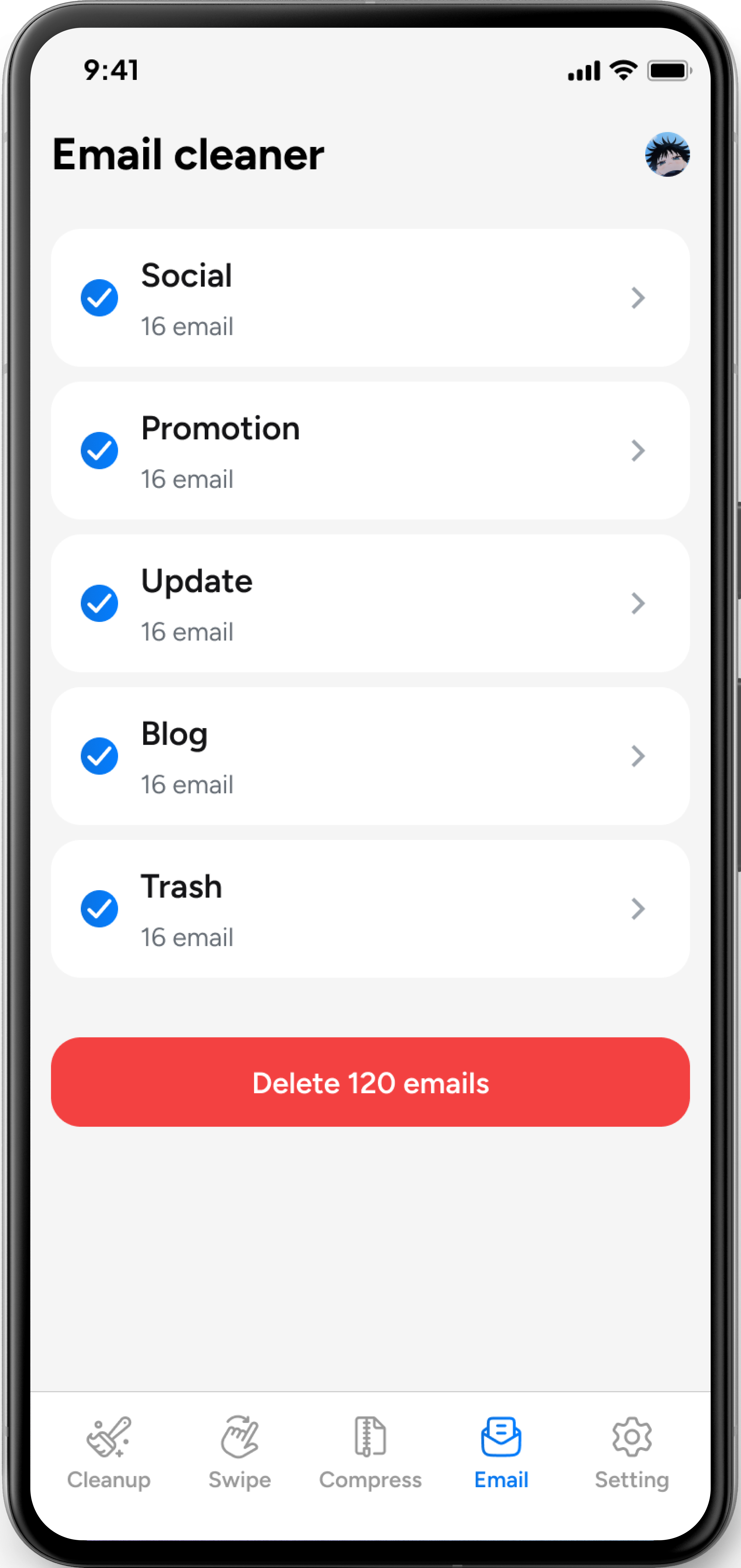
Make space for your favorite moments. Scan photos and videos, swipe to keep or delete photos, adjust video compression, and review Gmail by category.

You review. You decide. Nothing is deleted automatically.

Find what to review Keep what matters Take action on your terms

A cleaner device.
A clearer day.

From repeated photos to a crowded inbox, find what to review and choose what happens next.

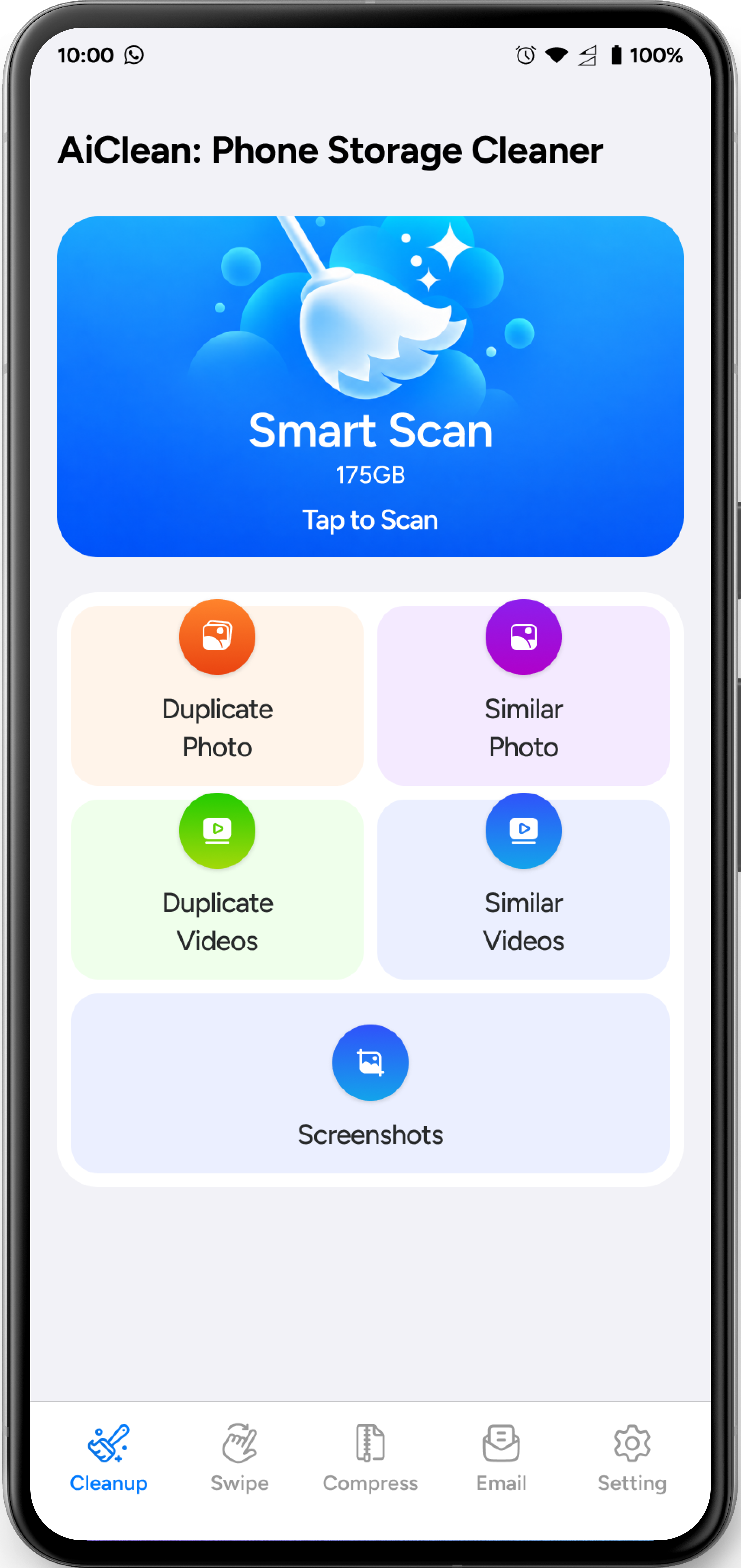
Smart Scan

See what’s
taking up space.

Scan for screenshots, similar and duplicate photos, and similar and duplicate videos. Review what was found, choose the groups to clean, and start when you’re ready.

Review the selected groups before you clean.
A clear place to startScreenshots, photos, and videos.
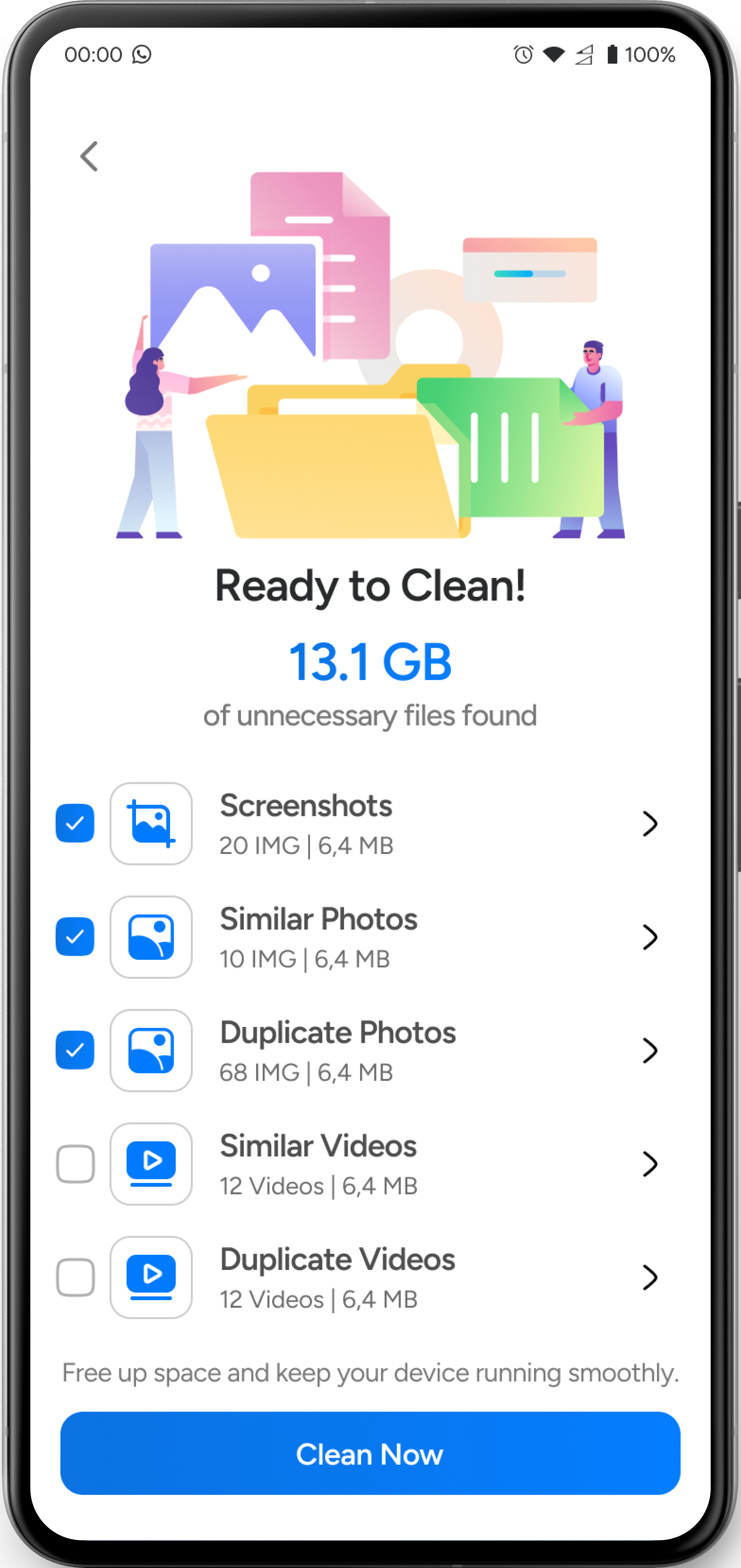
Illustrative Smart Scan results with selected screenshot and photo groups, video groups, and a Clean Now button Illustrative app screen
Duplicate photos & videos

Keep the memory.
Skip the duplicates.

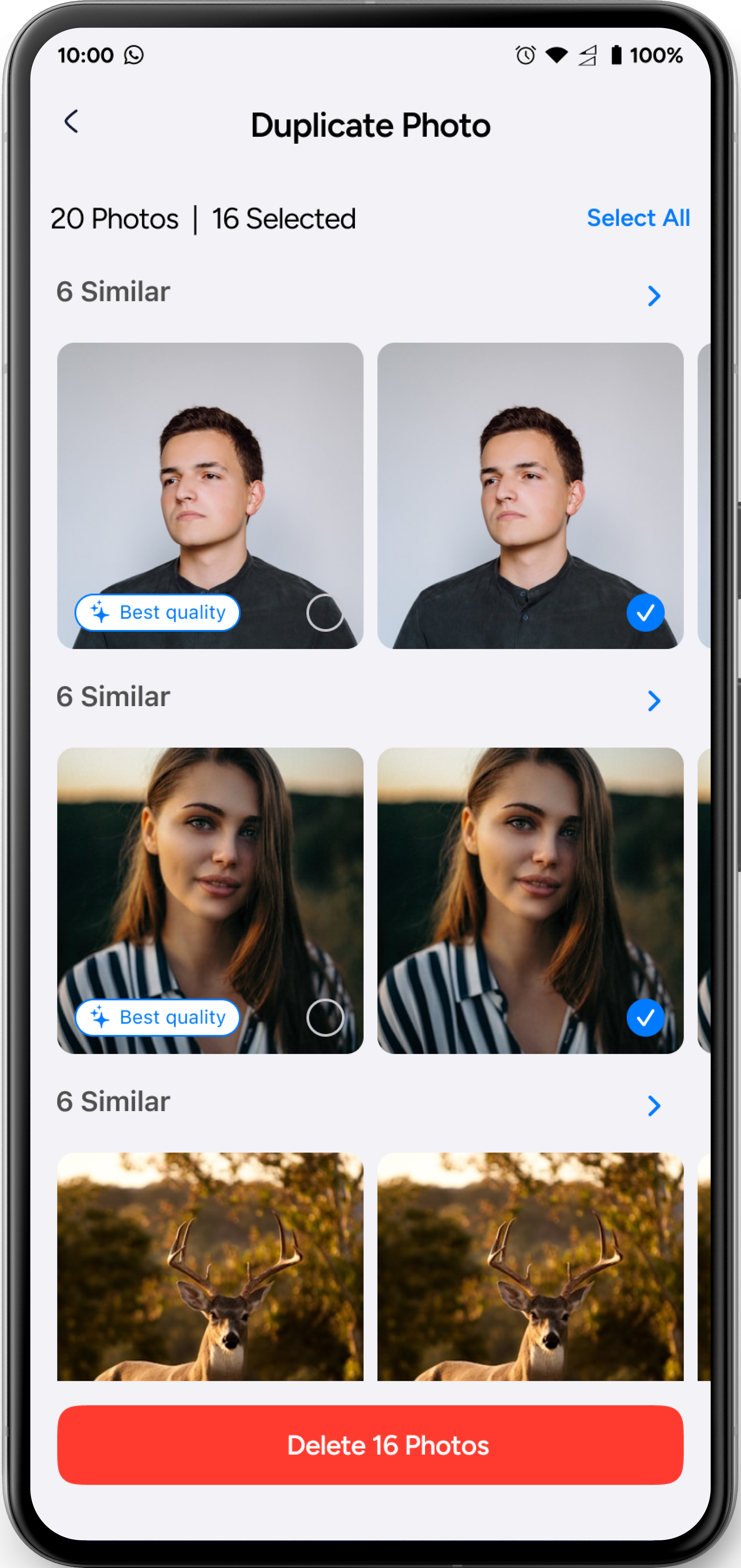
Review duplicate photos and videos in groups. Check the best-quality suggestion, adjust which copies are selected, and delete only the ones you choose.

Review your selection before deleting.
Keep the one you loveReview before you remove.
Illustrative duplicate photo groups with a best-quality label, selected copies, and a Delete Photos button Illustrative app screen
Similar photos & videos

Choose the
version you want.

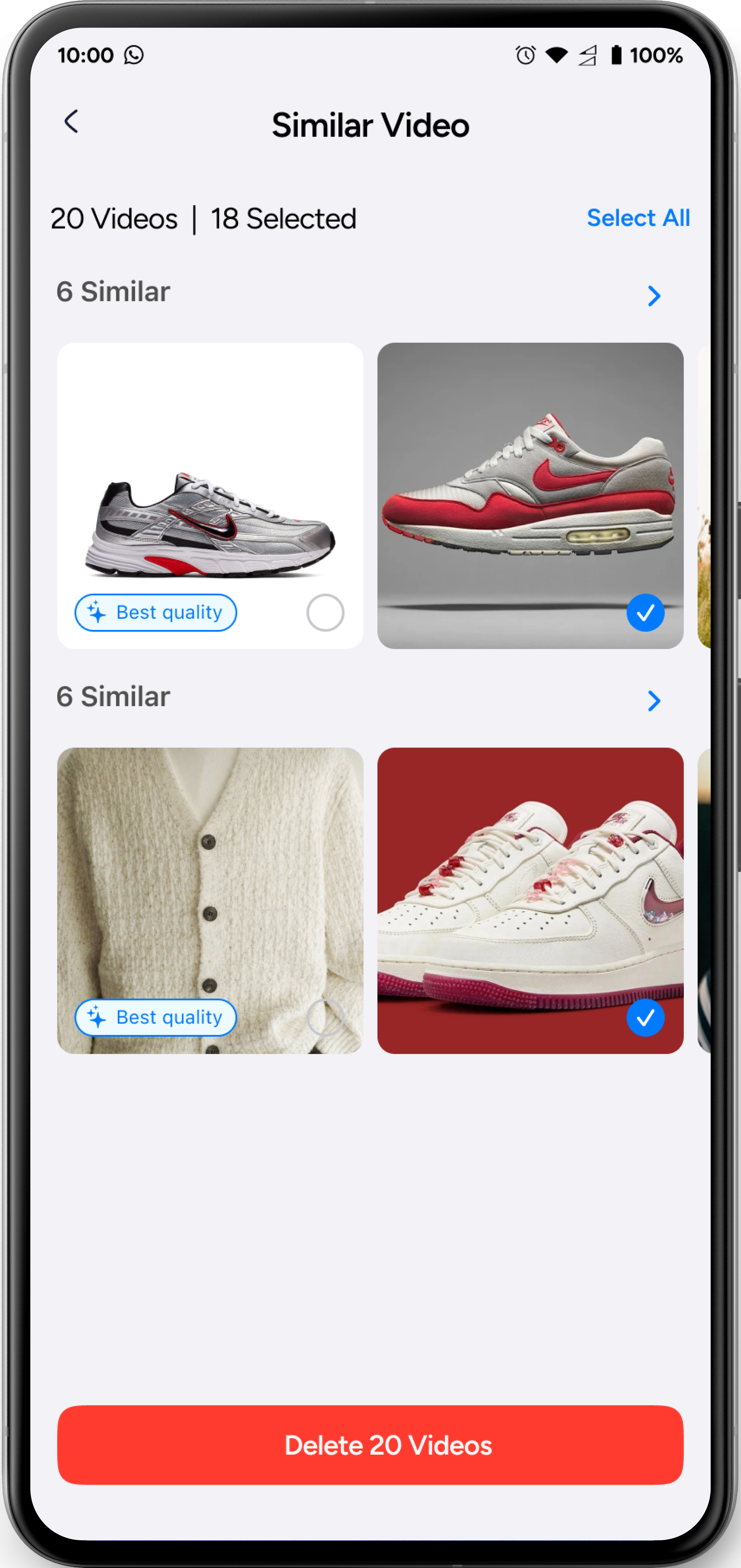
Compare groups of similar photos and videos. Review the best-quality suggestion, select the versions you no longer want, and keep your favorites.

Similar doesn’t mean identical. You make the call.
Illustrative similar video groups with best-quality labels, selected videos, and a Delete Videos button Illustrative app screen
Swipe photos

Keep or delete
with a swipe.

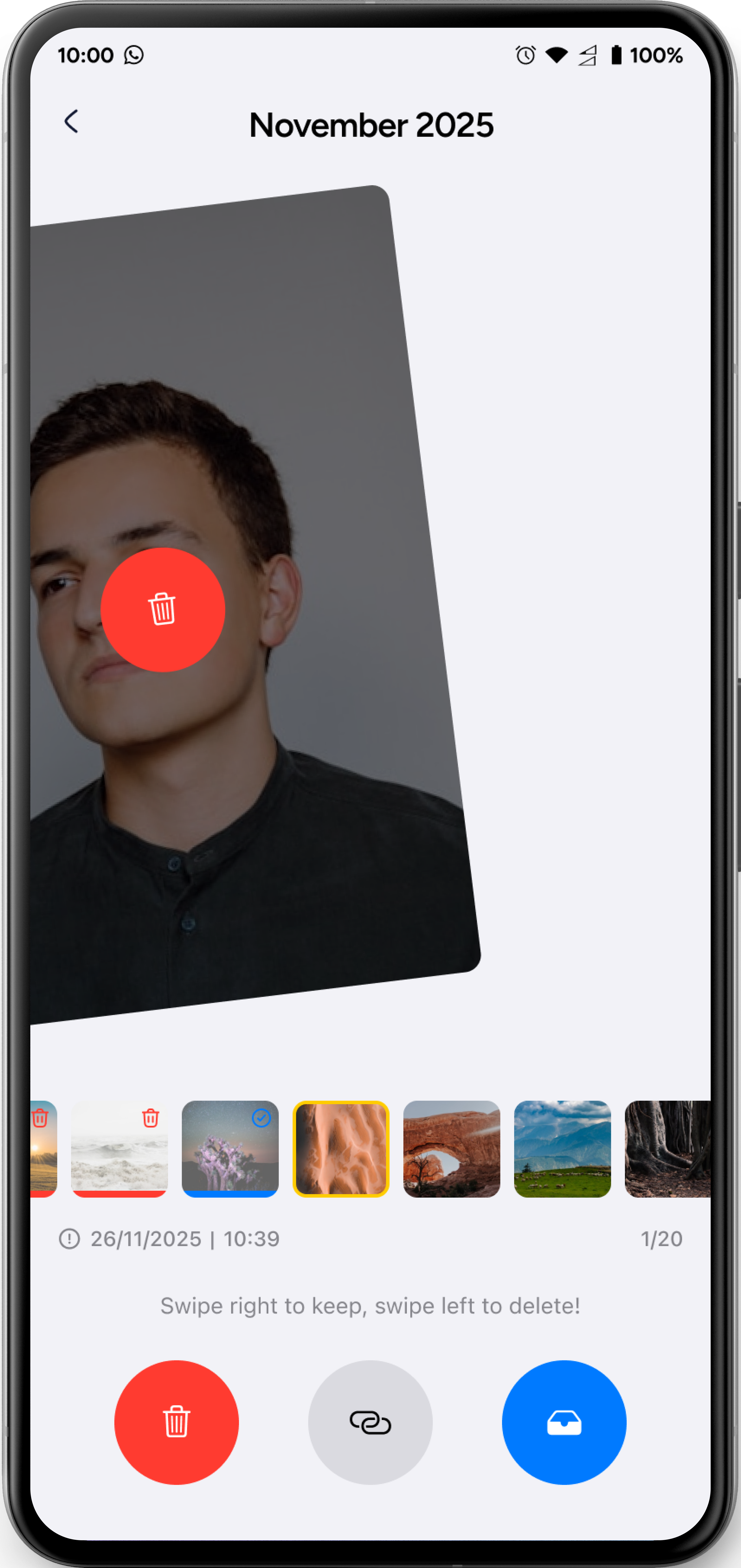
Review photos one by one. Swipe right to keep a photo or swipe left to delete it, making each choice as you go.

One photo, one decision at a time.
Illustrative Swipe screen showing a photo swiped left toward Delete, with on-screen Delete and Keep controls Illustrative app screen
Video compression

Compress on
your terms.

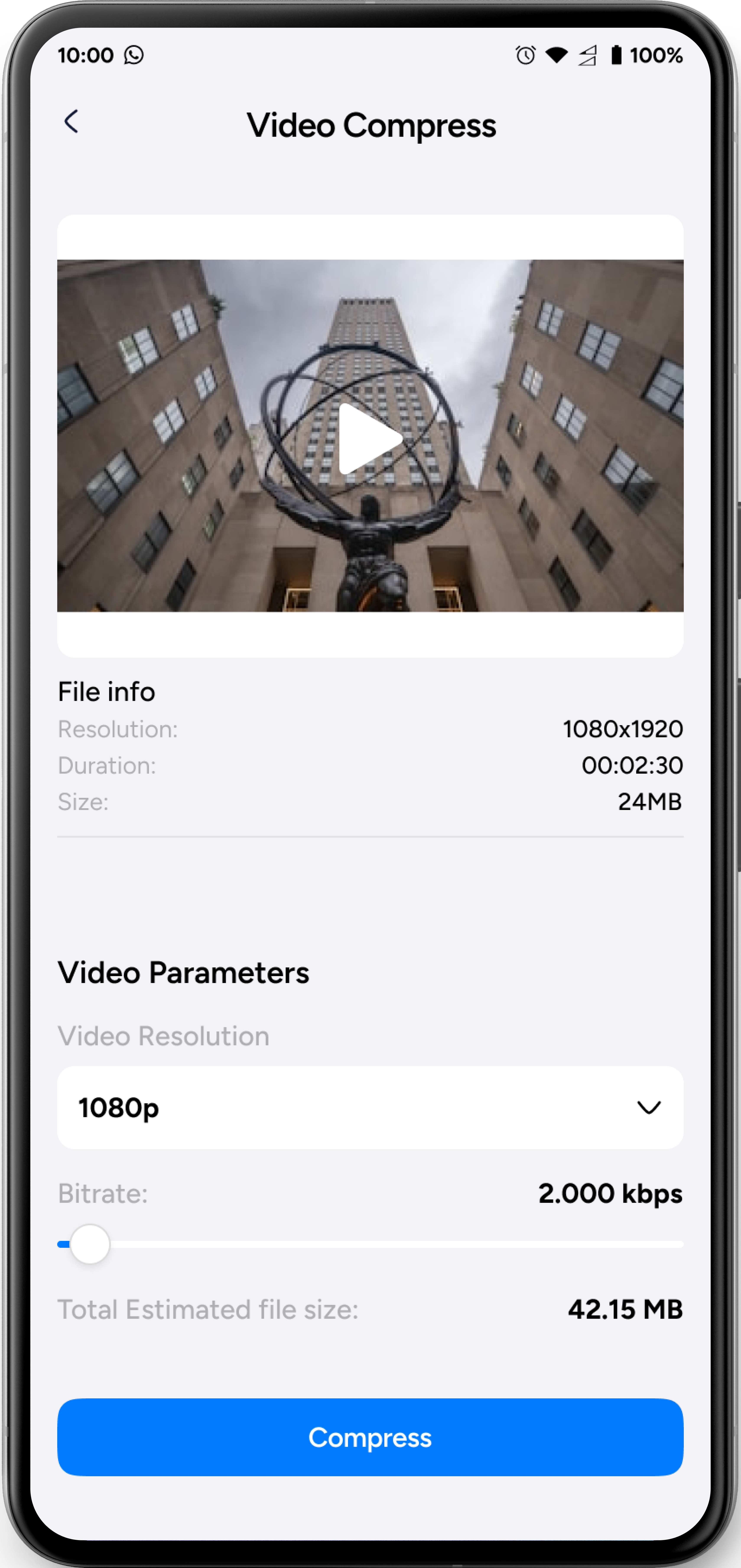
Preview a video’s details, adjust its resolution and bitrate, and check the estimated output size before you start compression.

Estimated size and results depend on your video and settings.
Illustrative Video Compress screen with file details, resolution and bitrate controls, and an estimated output size Illustrative app screen

A little cleanup,
on your terms.

No guesswork. A clear path from finding clutter to choosing what happens next.

01

Find what to review.

Scan photos and videos, open Swipe, select a video to compress, or connect Gmail.

02

Choose what matters.

Compare similar items, swipe right to keep or left to delete photos, and select the email groups you want to clean.

03

Act when you’re ready.

Start the cleanup or compression you’ve chosen. Your photos, videos, and emails aren’t deleted automatically.

You’re always
in control.

Your photos, videos, and emails are personal. AiClean helps you review them. You decide what stays and what happens next.

Read our Privacy Policy

Review before removal.

Nothing is deleted automatically. Every deletion starts with your decision.

Start actions yourself.

Video compression begins only when you initiate it.

Gmail permission is yours to grant.

Access starts with Google OAuth authorization and is used for email management.

Make room for
your next moment.

Bring a little more order to your photos, videos, and Gmail inbox.

Available on Android

AiClean: Phone Storage Cleaner

Link to be added